
Have you ever wished you could record life’s moments without hauling around a heavy camera? Smart glasses with built-in cameras let you do just that, capturing your day hands free. Just tap a button or use a voice command to save memories without any bulky equipment.
In this guide, we review key features of top models such as the Ray-Ban Meta Gen 2 along with a few other strong contenders. We’ll walk you through the pros and cons so you can decide which pair matches your tech needs and everyday style.
Getting Started with Smart Glasses with Camera: Features and Purchasing Channels
Smart glasses with a built-in camera let you capture photos and videos hands-free by placing a tiny lens near the bridge of your nose. They’re designed to look like regular eyewear while giving you the ability to record everyday moments without lugging around a bulky camera.
Take the Ray-Ban Meta Gen 2, for example. It sports a 12 MP camera for still shots, records in 3K with stabilization, and even offers slow-motion and timelapse modes. Plus, its battery lasts twice as long as the previous model, all for an MSRP of $379. For those on a budget, Meta’s first-generation Ray-Bans offer both audio and camera features. Other options like the XReal One at $400 and the Viture Luma Pro at $425 even add display features and can support prescription lenses.
Using these glasses is simple. You can start recording with a button press, a voice command, or even a gesture. They’re available through manufacturer websites, specialty retailers, or on Amazon, so you can easily find the pair that fits your tech style.
Smart Glasses with Camera: Camera Quality and Video/Photo Specifications

These glasses are built for folks who need clear video capture and easy photo recording on the go. The Ray-Ban Meta Gen 2 shines by recording 3K video at 30 fps with smart electronic stabilization while taking 12 MP stills. The Oakley Meta HSTN follows closely, using a 12 MP sensor for 3K video and tuned for live audio, making it ideal for both clear visuals and crisp sound. If you're after ultra-high video quality, the OhO Smart Camera Glasses 4K Pro deliver true 4K video at 30 fps, though they only run for 30 minutes per charge. Meanwhile, the iVue Denali focuses on smooth motion capture by shooting 2K video at 60 fps; this unit gives up still photos to boost its frame rate, and its Glide variant offers simple one-button 1080p recording with 64 GB of built-in storage.
| Model | Video Resolution | Still Image MP | Frame Rate | Storage |
|---|---|---|---|---|
| Ray-Ban Meta Gen 2 | 3K | 12 MP | 30 fps | N/A |
| Oakley Meta HSTN | 3K | 12 MP | 30 fps | N/A |
| OhO Smart Camera Glasses 4K Pro | 4K | N/A | 30 fps | N/A |
| iVue Denali | 2K | N/A | 60 fps | N/A |
These details show how each model strikes a different balance between high resolution and performance. That means there’s a pair of smart glasses for every need, whether you’re after sharp stills or smooth motion video.
Battery Life and Connectivity in Smart Glasses with Camera
Meta’s Gen 2 smart glasses offer twice the battery life of their previous version, meaning you can use them all day without needing a recharge. On the other hand, the OhO 4K Pro only lasts about 30 minutes when recording video, so if you plan to film throughout your day, your choice here really matters.
Charging these devices is simple. For instance, Meta Gen 2 uses a magnetic dock that makes recharging easy, while other wearables, like the OhO ski goggles, depend on a micro-USB connection. There are also models that use USB-C, which speeds up charging and meets today’s tech standards.
Wireless pairing is key for smooth live streaming and media control. Most smart glasses connect to smartphones via Bluetooth or Wi-Fi, allowing you to live stream with special apps. However, some AR display glasses limit you to video playback only within their own apps, which can restrict how you use these connected devices.
Design, Comfort, and Prescription Options for Smart Glasses with Camera

Smart glasses with cameras come in many styles to suit both the stylish and the active. Many models sport classic Ray-Ban-style acetate frames that give a timeless look, while others, like Oakley's sports frames with an IP67 rating, are built to handle tough, high-impact activities. There really is a pair for everyone, whether you need a sleek design or extra durability.
Comfort is a big deal for tech wear that you might use all day. Designers carefully balance the weight and temple grip so these glasses feel comfy even after hours of wear. A well-balanced frame helps reduce pressure on your nose bridge and ears, making it easier to wear them at work or during play.
Prescription options also differ between models. For instance, the Viture Luma Pro includes built-in focus dials that let you adjust the lens for vision correction on the fly. Other models, like the RayNeo Air 3s Pro, require extra lens inserts, usually around $80, to meet your prescription needs.
Weather resistance is another important factor. Some models, such as the Chamelo Music Shield, offer swipe-adjustable tinted lenses and an IPX4 rating for sweat resistance, so you’ll get steady performance even during intense outdoor activities.
Smart glasses with camera: Bold Tech Pick
Ray-Ban Meta Gen 2
Ray-Ban Meta Gen 2 mixes a timeless style with modern tech. It packs a 12 MP camera, steady 3K video recording, and an improved battery, making it perfect for those who want to look good while using smart features. Its sleek design is a big hit with fashion-minded users who appreciate both style and function.
Oakley Meta HSTN
The Oakley Meta HSTN is built for active lifestyles. It offers the same 12 MP camera and 3K video recording as many high-end models but steps up its performance with clearer mid-to-high range audio. With an IPX4 sweat resistance rating and a rugged build, it’s a smart choice for anyone who spends a lot of time outdoors or exercising.
Viture Luma Pro
The Viture Luma Pro takes augmented reality to the next level. It features a bright AR display that stays visible even on sunny days. Its unique focus dials let you adjust settings without extra lenses, making it a standout in premium AR experiences. While its camera isn’t as seamlessly integrated as other models, the overall AR experience shines.
RayNeo Air 3s Pro
If you’re shopping on a budget, the RayNeo Air 3s Pro is a solid pick. It delivers everyday filming at 1080p with a 46° field of view. Note that it lacks head tracking and, if you need vision correction, lens inserts will set you back an extra $80. These trade-offs are clearly part of its design, making it a practical option for casual users.
User Experiences with Smart Glasses with Camera: Reviews and Feedback
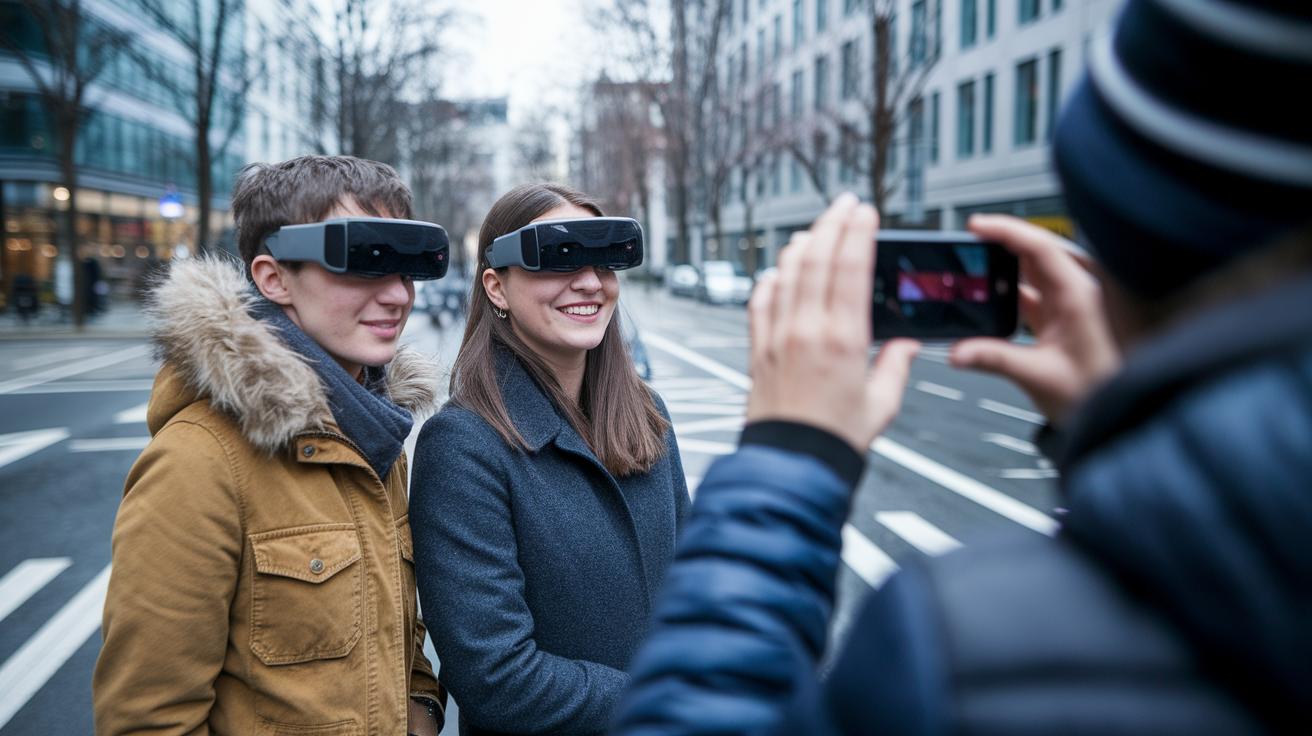
Experts warn that wearing tech-loaded glasses all day can feel tiring. Many users agree that while these glasses let you capture video naturally and serve as a cool wearable filming device, some models feel noticeably heavier than regular frames. This early feedback reminds us to weigh cool features against everyday comfort.
Reviews show the Ray-Ban Gen 2 is a hit for its steady video capture and stylish design. The Oakley Meta HSTN earns praise for its clear audio isolation and rugged build suited for outdoor adventures. Users also love the Viture Luma Pro for its sharp display, which makes its AI-powered recording even more impressive when showing bright, augmented details.
A few issues have also come up. Some users notice minor sound leaks with the Oakley Meta HSTN, and a few feel that the Viture Luma Pro’s camera options can seem limited in practical use. Others have experienced app crashes and restricted playback on certain models, which can break the smooth experience they expect.
Overall, real-world feedback shows that while smart glasses with cameras capture amazing visuals, each model has its own trade-offs. For anyone planning to wear them all day, finding the right balance between performance and comfort is key.
Buying Guide for Smart Glasses with Camera: Price, App Support, and Purchase Tips
Camera smart glasses come in many price ranges. If you're on a budget, entry-level options like the OhO Sunshine start around $100. Mid-range models generally cost between $300 and $500 while high-end glasses with augmented reality displays, such as the Ray-Ban Display Smart Glasses, can exceed $1,000. If you wear prescription lenses, add about $80 to $120 for lens inserts. Keep in mind that warranties are typically 1 to 2 years, and return policies differ by seller, so be sure to check these details before you buy.
App support and performance can make or break your experience. Smart glasses usually need to pair with your phone and rely on special apps for live streaming or controlling media. However, not every model works smoothly with standard playback. Some may crash or limit video playback to just their own app. It pays to test app compatibility and stability to avoid any surprises during daily use.
Other factors to consider are battery life, design, and comfort. Think about how long the battery will last during your day and how light the glasses feel if you plan to wear them all day. Also, check for useful extras like waterproof or sweatproof ratings to fit your lifestyle.
- Set a budget based on the video resolution you need
- Compare battery runtime with your daily use
- Check app compatibility and any playback limitations
- Consider the weight and comfort of the frame
- Review prescription lens options and costs
- Look for waterproof and sweatproof ratings
- Buy from certified sellers with clear warranty and return policies
Final Words
In the action, we explored everything from core features and imaging specs to battery life, design, and user feedback. We broke down what makes each model stand out and shared practical buying tips along the way.
The discussion highlighted real-world experiences and clarified key trade-offs. This review offers clear insights for anyone checking out smart glasses with camera. Enjoy your next step into hands-free shooting with confidence and clarity.
FAQ
What features do smart glasses with camera typically include?
Smart glasses combine built-in cameras with Bluetooth connectivity and sometimes offer display and translator functions. They let you capture photos and videos hands-free while syncing with mobile devices.
What are camera glasses and do any support 4K recording?
Camera glasses are wearable eyewear with integrated imaging that captures photos and videos. Some models support 4K recording, delivering high-quality footage ideal for detailed on-the-go capture.
What is the price range for smart glasses with cameras?
The price of smart glasses varies by features. Entry-level models start around $100, while more advanced glasses with AR displays and extra features can cost well over $1,000 based on specifications.
Where can I buy smart glasses with cameras?
Smart glasses are available from manufacturer websites, online retailers like Amazon, and various specialty stores. This range of purchase options ensures you can find a model that fits your need and location.
Do smart glasses have cameras?
Smart glasses include built-in cameras designed for discreet photo and video capture. This feature makes it easy to record content hands-free while keeping a low profile during use.
What makes Apple’s new $499 glasses so special?
Apple’s new $499 glasses stand out with a sleek design and smart integration with iOS. They combine quality imaging, user-friendly controls, and seamless connectivity to enhance everyday convenience.
Is it legal to wear camera glasses?
Wearing camera glasses is generally legal, but restrictions can apply in certain public or private spaces. It is best to check local laws and privacy guidelines before recording with them in various settings.
How do you know if smart glasses are recording?
Smart glasses typically indicate they are recording through visible lights, audio signals, or notifications on a paired app. These cues help users easily identify when the device is actively capturing content.